Driver app
Your work, in your hands.
Start duty with one tap, see today's work, send requests, read your payslip and stay in touch with your company, in Arabic or English.
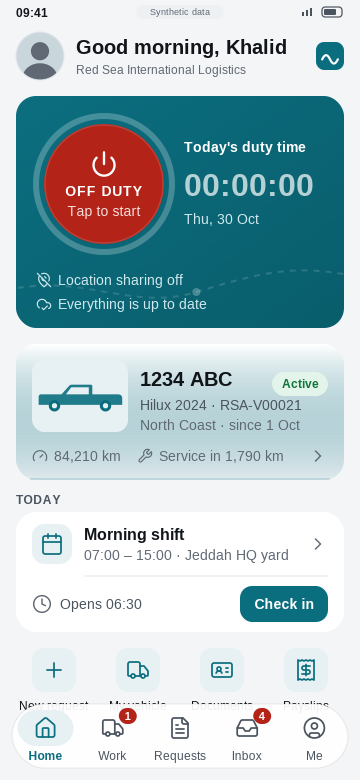
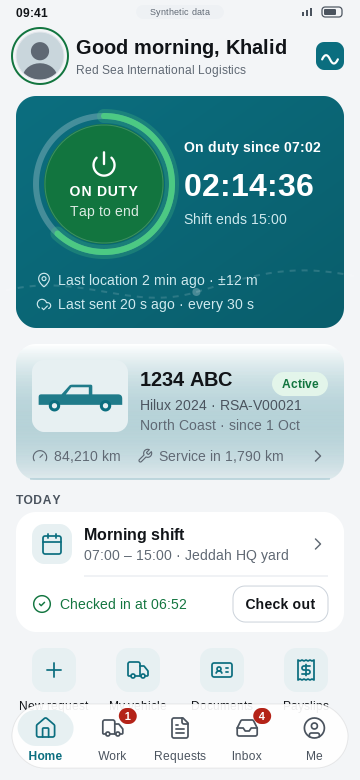
Screen group 1
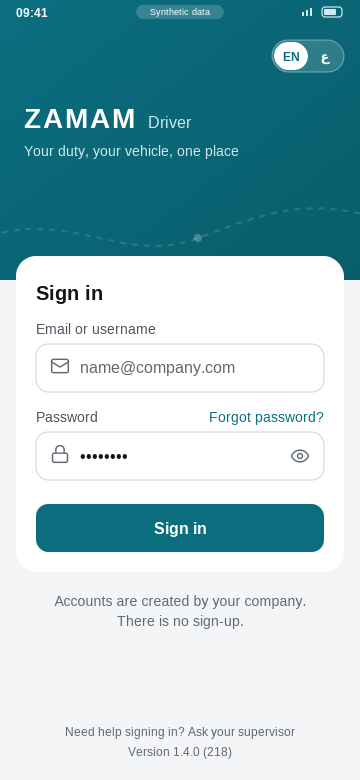
Sign in on an approved phone.
Drivers sign in with the account their company created and linked to their driver file. There is no self sign-up. When the company locks accounts to one phone, the first sign-in registers it and other phones are refused with a clear message.
- "Ask your manager to allow this phone" when a new phone is refused
- Signing out ends that phone's session on the server
- Language choice on the sign-in screen
Screen group 2
One round button for duty.
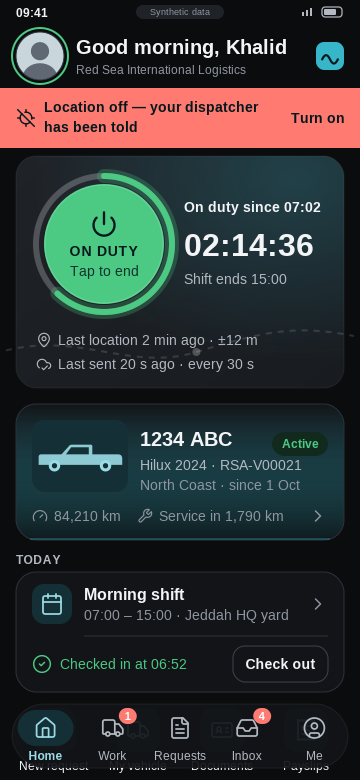
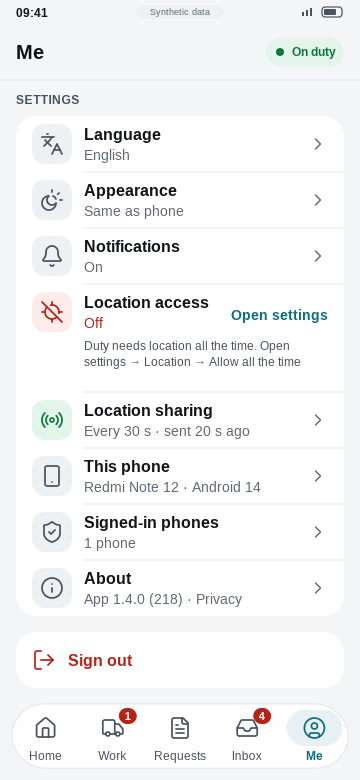
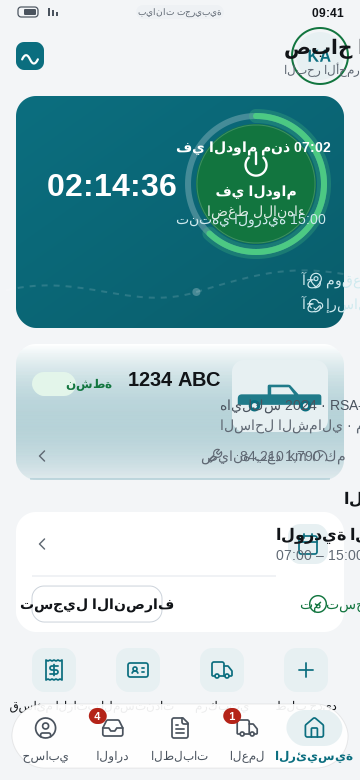
Home shows the shift, the vehicle and today's numbers. Tap the duty button to go on duty; positions are shared only while on duty and only after the driver consents. Tap again to end duty and stop sharing.
- Position every 30 seconds by default, set by your company
- Turning location off while on duty alerts the office
- Light and dark themes in your company's colours
Screen group 3
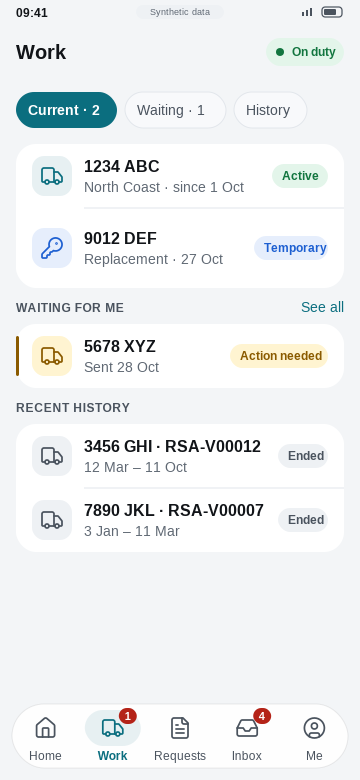
Today's orders and your vehicle.
The work list shows today's orders with a date picker for other days. Open an order for addresses and notes, then move it from in progress to delivered. When a supervisor sends a vehicle, answer every checklist line with OK, Defect or N/A, and accept or reject with a reason.
- Drivers see only their own orders
- An unanswered checklist line is never treated as OK
- Vehicle acceptance is sent while connected
Screen group 4
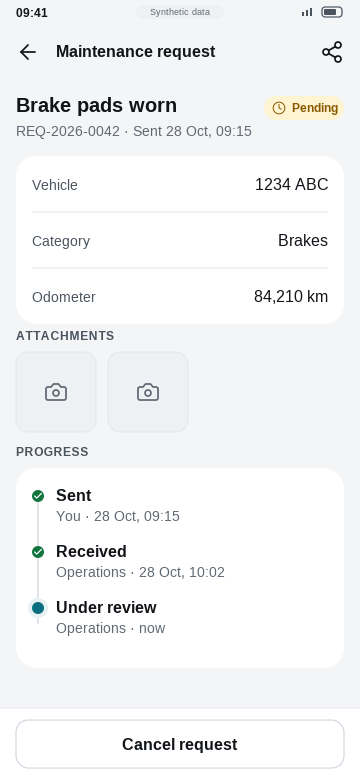
Requests with a timeline.
Send maintenance, fuel, accident and other requests with photos or PDF attachments, and follow each one through its status timeline and reviewer notes. Request types are set by your company, including leave and HR letters where enabled.
- Sending the same request twice does not create a duplicate
- JPEG, PNG, WebP or PDF up to 10 MB
- One open request per type, so nothing gets lost
Screen group 5
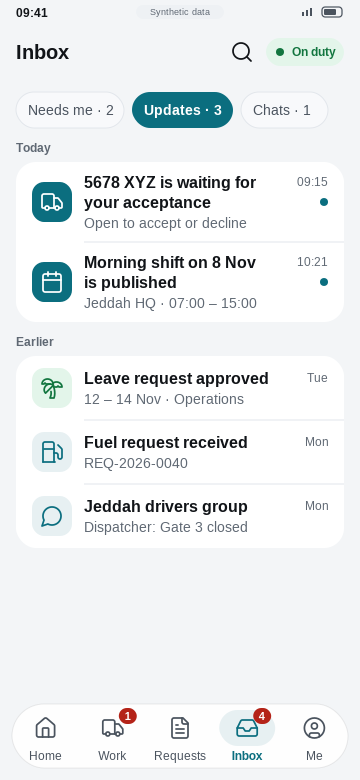
Inbox, groups and voice notes.
Company notices and conversations live in one inbox: the driver groups you belong to and direct chats with your supervisor. Send text, photos, documents or a voice note up to three minutes; read receipts show how far others have read.
- Mentions use the driver code
- AI assistant, when your company turns it on, answers about your own records
- Notifications never include the message text
Screen group 6
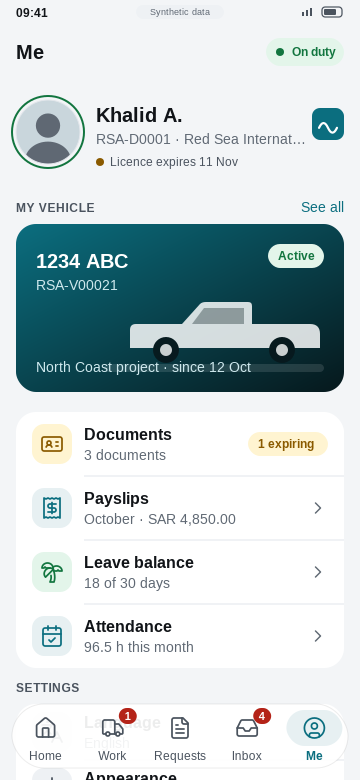
Me: documents, leave and payslips.
See licence, Iqama, passport and work-permit expiry as valid, expiring within 30 days, expired or missing. Open your ID badge in English or Arabic, check leave balance and attendance, read paid payslips as PDFs and follow your offboarding clearance if one is open.
- The app never shows identity numbers
- Payslips appear when your company uses HR and payroll
- Settings: language, theme, notifications, sign out
Permissions
Only what the app needs, only when it needs it.
| Permission | Used for | When |
|---|---|---|
| Location | Position while on duty; check-in inside a work location | Only on duty, after consent |
| Camera and photos | Photos on requests and messages | When you attach a photo |
| Microphone | Voice notes in chats | Only while recording |
| Notifications | Messages, approvals, shifts and vehicle offers | When your company's push provider is set up |
Offline and weak signal
Built for patchy coverage, honest about limits.
Requests, uploads and messages carry an identifier, so a retry after a lost connection is stored once. A message the server refused is not resent on its own, and the app says why. Vehicle acceptance must be sent while connected. Offline queueing is still being tested on real devices, so check that a request shows after you reconnect.
Arabic, properly
Right to left, not translated on top.
Every screen mirrors fully in Arabic, including icons, lists and numbers where they belong. Each driver chooses their own language.
Availability
Where to get it.
Your company admin gives you the approved app and server address. Screens shown use synthetic data and may differ by release.
Driver questions
Questions, answered.
More answers on the FAQ page.
How do I get an account?
Your company creates your account and links it to your driver file. There is no self sign-up.
When is my location sent?
Only while you are on duty and after you consent, every 30 seconds by default.
I changed my phone and cannot sign in.
Ask your manager to allow the new phone. The next sign-in registers it.
Can I download my letters?
Issued letters are listed in the app; ask HR for a copy. Your ID badge PDF opens in the app.
Is the AI assistant always on?
No. It is off by default, has a daily question allowance, only reads your own records and can be wrong.
Bring your drivers on board.
0 SAR per month to begin. Our team helps you import your data.