Saudi salary rules
Basic, housing, transport and other allowances; overtime at the company's rate; GOSI employee and employer shares for Saudi and non-Saudi staff, with versioned rates; sick-leave pay tiers; end-of-service and leave provisions.
Zamam Drivers
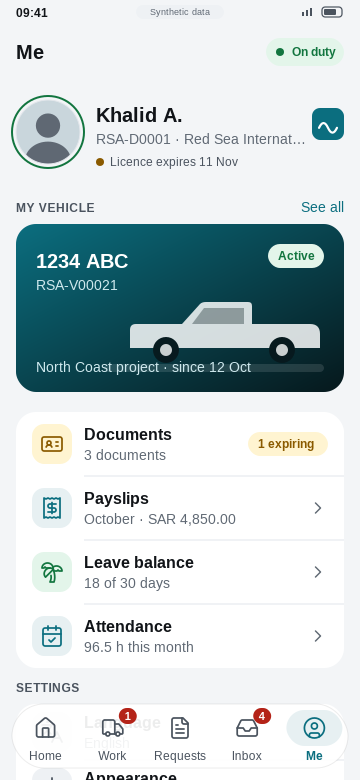
One file per driver holds identity, compliance dates, the vehicle, the roster, leave, pay and the exit, so HR and operations read the same truth.
Driver files
Identity and contact, nationality with Saudi or non-Saudi type, licence, Iqama, passport and work-permit dates, the Muqeem block, employment type and joining date, branch, manager, linked app login, vehicle and project. Identity numbers are encrypted and masked; revealing one needs permission and is written to the audit log.
Device-locked app and duty tracking
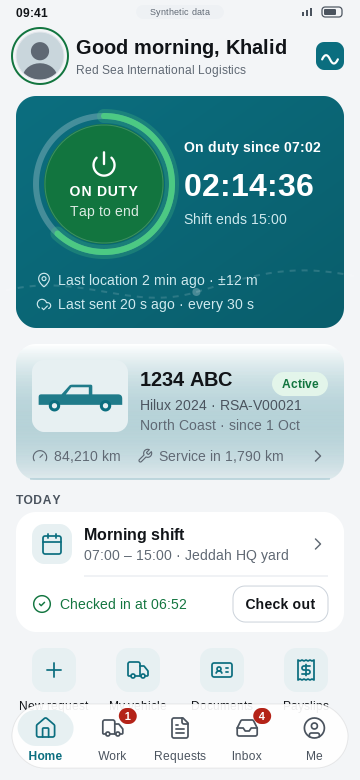
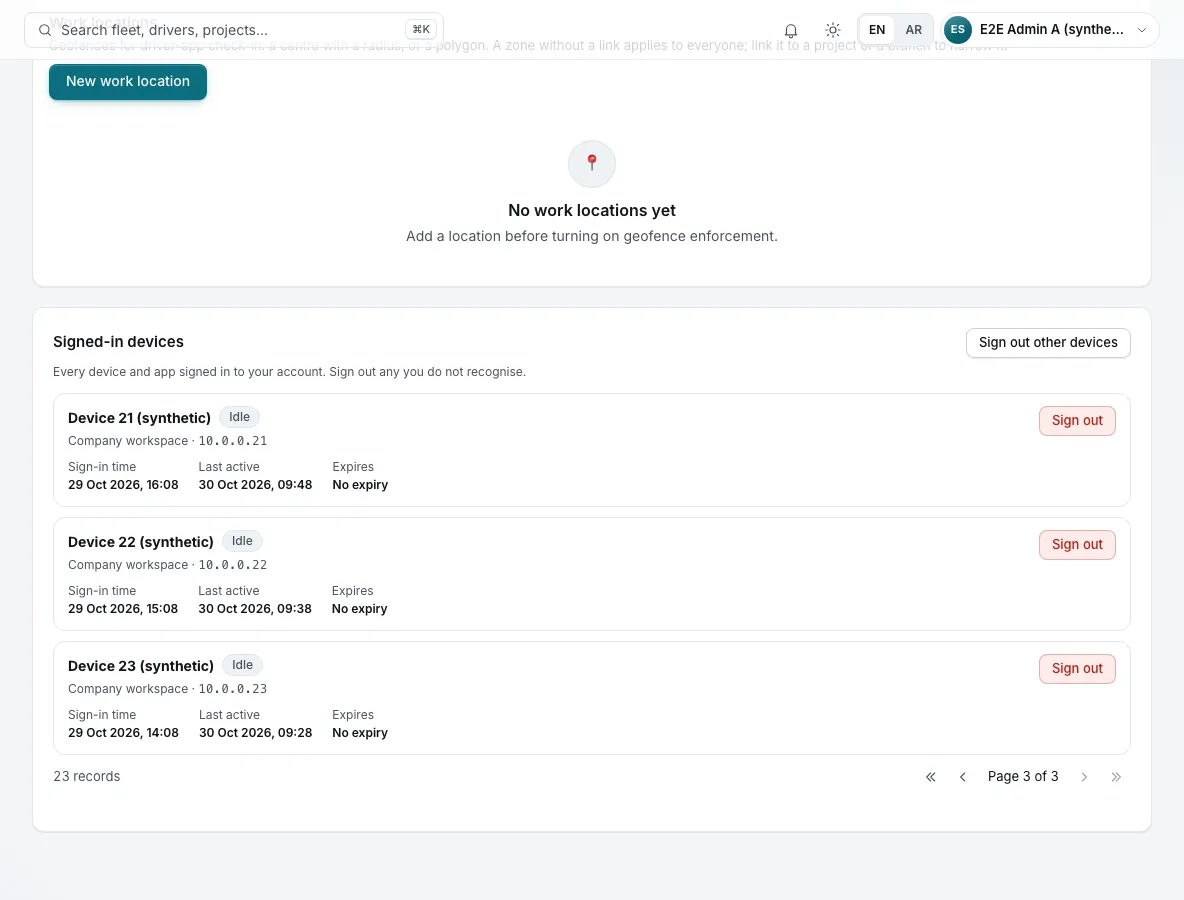
Drivers never sign themselves up: the company creates the login and links it to the driver file. When the phone lock is on, the first sign-in registers the phone and any other phone is refused until a manager allows a new one. Duty starts and ends with one tap, and positions are shared only while on duty and with consent.
Roster and attendance
Shift templates carry start and end, a check-in window and a check-out grace, including night shifts that cross midnight. Bulk assign a week, copy last week, resolve conflicts and publish; each driver is told when a shift is published.
A check-in, as the server sees it
A roster line exists for today
Not too early, not too late
Within the work location's radius
Present or late, against the planned start
AcceptedRefused with reasonLeave with eligibility rules
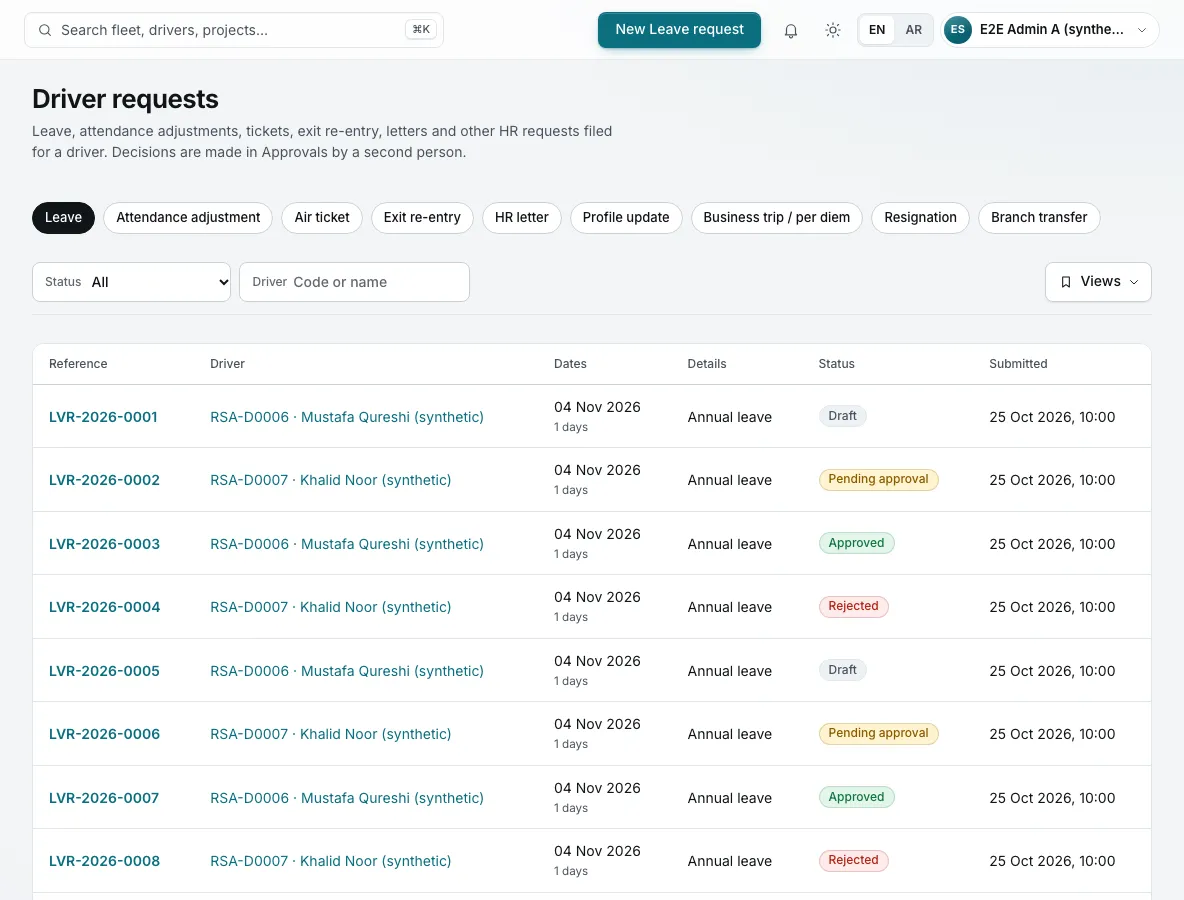
Each company has an editable leave catalogue seeded with Saudi labour law defaults. Balances accrue monthly and show allocated, taken and remaining per type. A driver can only request types with a balance, approved leave blocks rostering and allocation in that window, and the roster shows why.
Defaults are editable per company. Check them with your HR adviser.
| Leave type | Default rule |
|---|---|
| Annual | 21 days a year under 5 years of service, 30 days from 5 years; accrued monthly from the joining date |
| Sick | 30 days at full pay, the next 60 days at 75 %, the next 30 days unpaid, per service year |
| Hajj | Once per service, after two years |
| Marriage | 5 days |
| Paternity | 3 days |
| Maternity | 12 weeks |
| Bereavement and Iddah | 5 days; Iddah 4 months and 10 days |
Letters and ID badges
Issue salary certificates, employment verification, experience letters, NOCs, bank and embassy letters from company templates in English, Arabic or both. Preview masks identity numbers and stores nothing; templates can require approval. Print a CR80 driver ID badge front and back in English or Arabic.
Payroll with GOSI and WPS
Inputs are pulled, not typed: attendance days, approved overtime, approved leave by type, loan instalments, deductions, penalties and allowances. Each run computes from a locked snapshot, so every number traces back to its input.
One live run per month
HRLocked input snapshot, payslip per employee
HRResolve input problems, mark reviewed
HRNobody approves a run that pays them
FinanceMark as paid, export the WPS file
FinanceOne balanced journal; payslips in the app
FinanceBasic, housing, transport and other allowances; overtime at the company's rate; GOSI employee and employer shares for Saudi and non-Saudi staff, with versioned rates; sick-leave pay tiers; end-of-service and leave provisions.
Loans with schedules that stop at zero, salary advances, and single or bulk deductions approved through your chain. Each approved deduction lands in its month's run.
English and Arabic payslip PDFs with lines, year-to-date, GOSI and net. Drivers see their own paid payslips in the app. Salary and bank details stay masked without the reveal permission, and downloads are audited.
Resignation, offboarding and final settlement
Start a resignation or termination with dates and notice period; below the company minimum you must waive it explicitly. The clearance checklist pulls in the vehicle, issued items and open balances, and each department signs off once its lines are resolved.
Resignation or termination, last working day
Sign-off 1
Vehicle assignment ended
Items returned or transferred
Balances settled
Case closed, employment ended
The settlement adds the end-of-service award, leave compensation and pending salary days, subtracts loans, asset penalties and advances, and links to a final payslip and your books. It goes through approval like a payroll run.
Enter joining date, last working day, exit reason and wage base to preview the award, with the rule and formula shown. It covers the Saudi Labour Law exit reasons, including the resignation tiers and Article 77. A preview never creates or pays anything.
HR questions
More answers on the FAQ page.
No. The company creates the login and links it to the driver file.
A manager allows a new phone once, with a reason. The next sign-in binds it and the lock returns.
No. Zamam computes, approves, exports the WPS file and posts to your books. You pay through your bank.
Only people with the payroll reveal permission. Everyone else sees masked amounts, and drivers see their own payslips.
0 SAR per month to begin. Our team helps you import your data.